
charles.dalton@psitech.net.au
-
The “Session Cookie” Hijack: Why MFA Can’t Always Save You
MFA is a strong front-door lock. But it’s not the only thing that decides whether someone can get in. After you sign in, your browser keeps you logged in using a session token (often stored as a cookie). It’s the digital version of a wristband at an event: once you’ve been checked, the wristband proves…
-
The “Legacy Debt” Audit: Identifying the 3 Oldest Risks in Your Server Room

The most dangerous thing in a server room is often the phrase, “Don’t touch that.” It’s usually said with a half-joke and a grimace. It refers to the old box that “still works”, runs something important, and has survived so many fixes and workarounds that nobody feels confident changing it anymore. That’s legacy debt. Not…
-
The “Backup Exit” Strategy: Can You Move Your Data Without the Vendor’s Help?

When you first sign up for a software-as-a-service (SaaS) platform, everything is designed to feel effortless. The problem is that the first real test of a SaaS relationship isn’t the onboarding. It’s the exit. For many small businesses, the front door is wide open, but the emergency exit is bolted shut: exports are incomplete, key…
-
Micro-SaaS Vetting: The 5-Minute Security Check for Browser Add-ons
Browser add-ons have a funny reputation. They feel “small”. A quick install. A tiny productivity boost. A harmless little helper that lives in your toolbar. But in practice, a browser extension is more like a micro-SaaS vendor sitting inside your browser session. It can see what you see, interact with the pages you open, and…
-
LinkedIn “Social Engineering”: Protecting Your Staff from Fake Recruitment Scams
A fake recruiter message is one of the cleanest social engineering tricks around because it doesn’t look like a trick. That’s why LinkedIn recruitment scams work so well inside real businesses. They don’t arrive as malware. They arrive as a normal conversation that nudges someone toward one small action: click this link, open this file,…
-
Clean Desk” 2.0: Securing Your Home Office from Physical Data Leaks

In the traditional office, a “Clean Desk” policy was a simple habit: shred the sensitive stuff, lock it away, and don’t leave passwords where someone can see them. In 2026, the same idea still matters but the “desk” has changed. For many teams, the home office is now the default workspace, and that means physical…
-
The Essential Checklist for Securing Company Laptops at Home

At home, security incidents don’t look like dramatic movie hacks. They look like stepping away from your laptop during a delivery, or leaving it unlocked while you grab something from another room. Those ordinary moments, repeated over time, are how work devices end up exposed. A remote work security checklist focuses on simple, practical controls…
-
The 2026 Guide to Uncovering Unsanctioned Cloud Apps
If you want to uncover unsanctioned cloud apps, don’t begin with a policy. Start with your browser history. The cloud environment most businesses actually use rarely matches the one shown on the IT diagram. It’s built through countless small shortcuts: a “just this once” file share, a free tool that solves one problem faster, a…
-
Stop Ransomware in Its Tracks: A 5-Step Proactive Defense Plan

Ransomware isn’t a jump scare. It’s a slow build. In many cases, it begins days, or even weeks, before encryption, with something mundane, like a login that never should have succeeded. That’s why an effective ransomware defense plan is about more than deploying anti-malware. It’s about preventing unauthorized access from gaining traction. Here’s a five-step…
-
How to Run a “Shadow AI” Audit Without Slowing Down Your Team

It usually starts small. Someone uses an AI tool to refine a difficult email. Someone enables an AI add-on inside a SaaS app because it promises to save an hour a week. Someone pastes a paragraph into a chatbot to “make it sound better.” Then it becomes routine. And once it’s routine, it stops being…
-
A Small Business Roadmap for Implementing Zero-Trust Architecture
Most small businesses aren’t breached because they have no security at all. They’re breached because a single stolen password becomes a master key to everything else. That’s the flaw in the old “castle-and-moat” model. Once someone gets past the perimeter, they can often move through the environment with far fewer restrictions than they should. And…
-
5 Security Layers Your MSP Is Likely Missing (and How to Add Them)
Most small businesses aren’t falling short because they don’t care. They’re falling short because they didn’t build their security strategy as one coordinated system. They added tools over time to solve immediate problems, a new threat here, a client request there. On paper, that can look like strong coverage. In reality, it often creates a…
-
Zero-Trust for Small Business: No Longer Just for Tech Giants
Article Summary: The Zero Trust security model operates on this simple mantra: “Never trust, always verify.” It assumes threats exist both outside and inside your network, requiring strict identity verification for every person and device trying to access resources. For small businesses, this is no longer an enterprise-only concept, and adopting a Zero Trust architecture…
-
The Supply Chain Trap: Why Your Vendors Are Your Biggest Security Risk
Article Summary: Your cybersecurity is only as strong as your weakest vendor’s defenses. Modern third-party cyber risk is a massive threat, as attackers target smaller vendors to reach larger clients. As such, a vendor security assessment is no longer optional, and businesses must move beyond trust alone and actively manage supply chain vulnerabilities through continuous…
-
The “Insider Threat” You Overlooked: Proper Employee Offboarding

Article Summary: A lax employee offboarding checklist is a critical security gap. When a team member leaves, their digital access does not automatically disappear. Neglecting a formal IT offboarding process can lead to data theft, sabotage, and compliance nightmares. Proactive offboarding is not administrative busywork; it is a vital layer of cybersecurity for employees that…
-
The 2026 Hybrid Strategy: Why “Cloud-Only” Might Be a Mistake

Article Summary: The strategic IT conversation has gradually shifted from the cloud vs. on-premise debate to a more practical compromise, i.e., the hybrid cloud. A fixed “cloud only” mandate can lead to unexpected costs, compliance headaches, and performance issues. On the other hand, a hybrid cloud strategy provides greater flexibility by allowing businesses to split…
-
Managing Cloud Waste as You Scale

Article Summary: Unchecked cloud resource management transforms the cloud’s promise of agility into a source of bloated and unpredictable spending known as “cloud waste” that eats into your bottom line. As such, business leaders need to adopt FinOps strategies that treat cloud spend as a business variable that requires continuous cost optimization to identify and…
-
Beyond Chatbots: Preparing Your Small Business for “Agentic AI” in 2026

Article Summary: As AI solutions continue to advance, the landscape is also shifting from basic chatbots into more specialized “Agentic AI” systems that execute multistep tasks autonomously. For small businesses, this shift promises increased efficiencies but also creates new security and operational complexities. Success with AI agents will depend on a foundation of clean data…
-
The Server Refresh Deadline: Why Windows Server 2016’s End of Support Should Drive Your Cloud Migration Plan

Time moves fast in the world of technology, and operating systems that once felt cutting-edge are becoming obsolete. With Microsoft having set the deadline for Windows Server 2016 End of Support to January 12, 2027, the clock is ticking for businesses that use this operating system. Once support ends, Microsoft will no longer provide security…
-
The MFA Level-Up: Why SMS Codes Are No Longer Enough (and What to Use Instead)
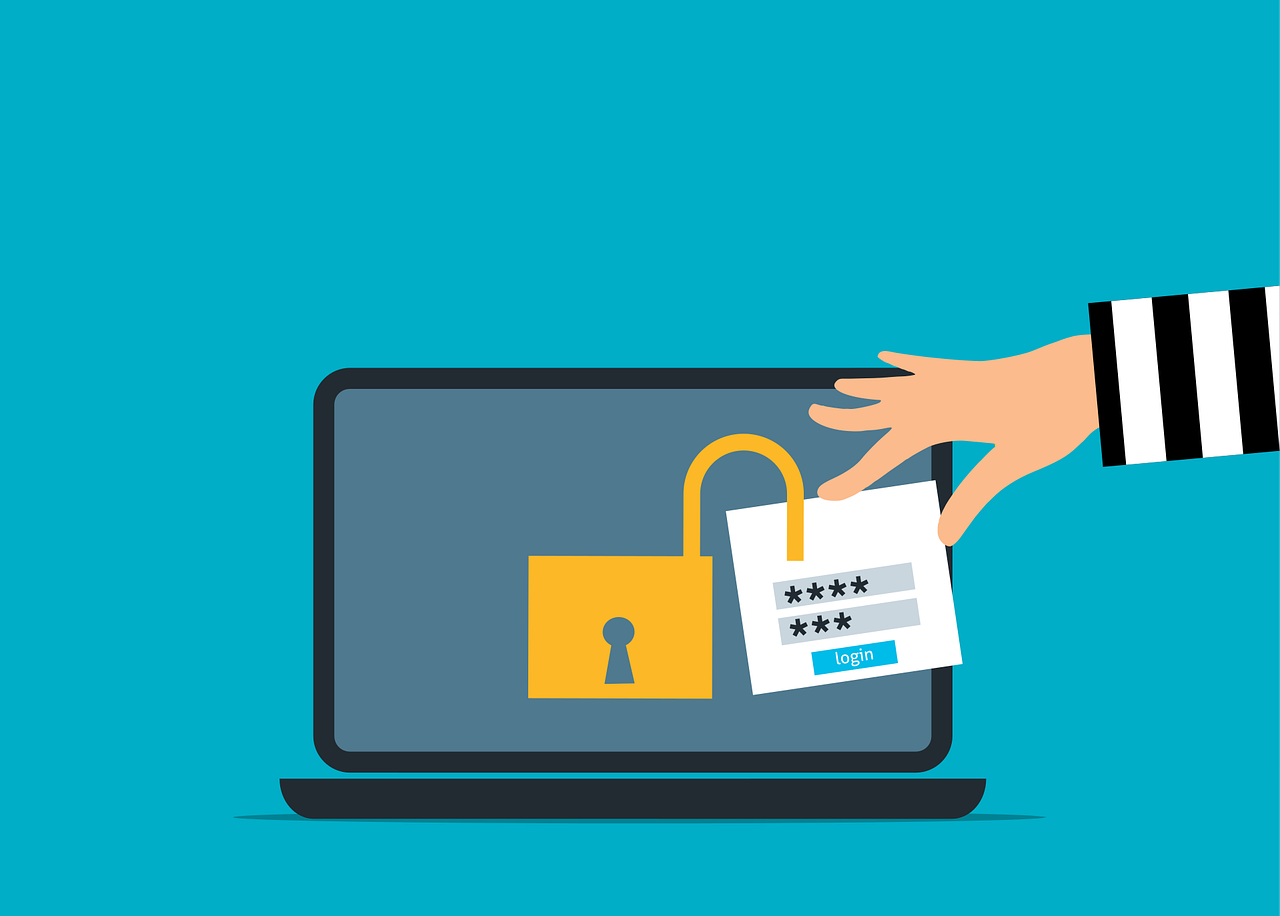
For years, enabling Multi-Factor Authentication (MFA) has been a cornerstone of account and device security. While MFA remains essential, the threat landscape has evolved, making some older methods less effective. The most common form of MFA, four- or six-digit codes sent via SMS, is convenient and familiar, and it’s certainly better than relying on passwords…